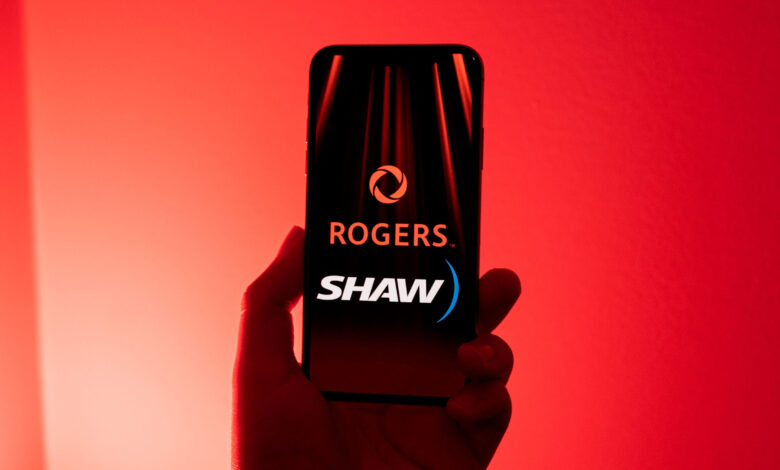
Shaw customers are having issues logging into their accounts under Rogers, including things like online billing, the Xfinity app, and Crave.
A customer who wished to remain anonymous contacted MobileSyrup about the ongoing login issues and pointed to several Reddit threads of other customers suffering from similar problems.
The Shaw customer said they were having issues logging into services using the login via Shaw option. These problems started back in January, though some of the Reddit threads show the issue dating back even further.
Help: having a hard time just trying to log in to Shaw/Rogers account.
by
u/Chizuo in
Rogers
Haven’t been able to log into my Shaw online account since Feb 11, anyone else ?
by
u/ballisticpantz in
shaw
Two Rogers support techs the customer spoke with claimed that the login problem was a national issue. The customer also reached out to the Commission for Complaints for Telecom-television Services (CCTS) but hasn’t heard back from a complaints resolution officer yet.
However, the customer noted that after reaching out to the CCTS, they received a call from Rogers’ head office confirming the login problems were unanticipated and widespread.
Further, in emails with Rogers that the customer shared with MobileSyrup, the company acknowledged it had identified the cause of the login issues in mid-March, but could not provide an estimation of when it would fix the problem. Nearly three weeks later, the problem remained unfixed.
When reached by MobileSyrup about the issues, a Rogers spokesperson said that “While the app is functioning normally for nearly all customers, if someone has issues logging in to their MyRogers (Shaw) account, they can contact our support team.” Rogers also said it had been working with impacted customers to help resolve the login issues.
In the meantime, Rogers’ support page has some troubleshooting you could try:
- Sign out of the MyRogers (Shaw) app and sign in again.
- Sign in to rogers.com/myrogers/shaw and change your password, then sign into the app again.
- Delete the MyRogers (Shaw) app and download it again
Some people have tried clearing cache & cookies and using Incognito mode, which helped for a short time but didn’t fully resolve the problem. While others found changing the email address associated with the account also helped.
MobileSyrup may earn a commission from purchases made via our links, which helps fund the journalism we provide free on our website. These links do not influence our editorial content. Support us here.