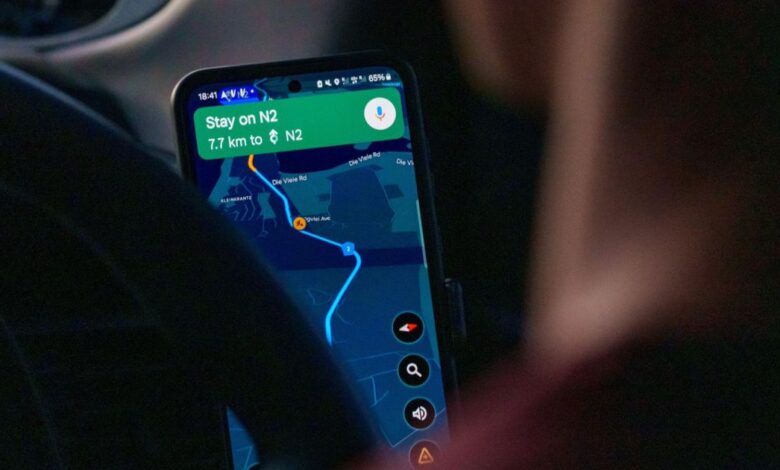
Google Maps Introduces Power saving Mode for Pixel 10 Series
Google Maps is launching a new “Power Saving mode” specifically designed for teh Pixel 10 series. This update comes just two weeks after it was hinted at during a recent Feature Drop. The new feature is now available on the Pixel 10, 10 Pro, 10 Pro XL, and the foldable model, the 10 Pro Fold.
A Streamlined Experience for Drivers
This mode acts like a simplified version of navigation while you’re driving. When you press the power button to turn off yoru screen, instead of locking or keeping it fully lit, your phone will switch to an ultra-basic black-and-white display.
Cutting Down on Battery Drain with Minimalist Design
The minimalist interface removes nearly everything that consumes battery life. Say goodbye to colorful map layers and floating buttons that show search options or route summaries. Even features like the gemini/Assistant button and speed indicator vanish from view. What remains are just the essentials: a plain black background with a white line indicating your route and clear instructions for your next turn displayed at the top.
Functionality Remains Intact Despite Simplicity
Even though this design is stripped down, it doesn’t compromise functionality. You can still swipe down to check notifications while navigating. If you need to see the full map again, simply tap anywhere on the screen. The mode also automatically deactivates once you reach your destination.
According to Google, this straightforward adjustment could extend battery life by up to four hours during drives—a significant betterment!
The Importance of power Management in Navigation
Navigating can be tough on battery life due to several factors: GPS constantly connecting with satellites, data usage for downloading maps in real-time, and screens running at maximum brightness all contribute considerably to draining power quickly during even short trips.
This update addresses what many users experience as “range anxiety” regarding their phone’s battery life while driving. Whether you're embarking on a road trip or working as part of a ride-share service—and especially if you've forgotten your car charger—this feature could prove invaluable. For those using the new Pixel 10 Pro Fold with its large inner display that tends to consume more energy than smaller screens do, this enhancement is especially beneficial.
Caveats Worth Noting
Though, there are some limitations worth mentioning: currently, this feature only operates in portrait mode (so landscape drivers will have to adjust) and is exclusively designed for driving—there's no support yet for walking or cycling navigation modes available within this setting right now. While it's enabled by default upon installation of updates from Google Maps settings menu allows users who prefer not using it an option toggle off easily if desired.
This feature currently remains exclusive only among devices within Google's latest lineup—the Pixel 10 series—but if its performance lives up expectations set forth by Google themselves then we might see similar capabilities rolled out across older models and also other android devices soon enough! It’s also an intelligent move from Google aimed directly at competing against Apple Maps which has historically been less demanding when it comes down conserving precious battery resources thanks largely due its native integration into iOS systems overall!
A Bright Future Ahead?
The introduction of power Saving Mode marks another step forward in enhancing user experience while addressing common concerns about smartphone longevity during essential tasks like navigation—especially when traveling long distances where every bit counts! As technology continues evolving rapidly expect further improvements coming our way soon enough!
And don't forget! NoveByte might earn a little pocket change when you click on our links helping us keep this delightful journalism rollercoaster free for all! These links don’t sway our editorial judgment so you can trust us! If you’re feeling generous support us here.