YouTube's New Feature: Your Custom Feed
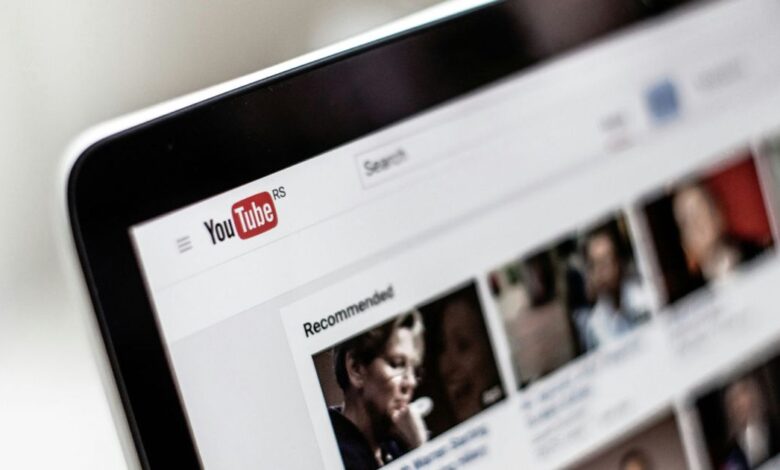
YouTube is currently experimenting with an exciting new feature called “Your Custom Feed.” This tool aims to give users greater control over the content that appears on their Home page. Instead of depending solely on the usual algorithm, select users will notice a fresh option labeled ‘Your Custom Feed’ right next to the traditional ‘Home’ tab.With this feature, you can provide prompts that guide YouTube in curating your video suggestions. For instance, if you type “more travel vlogs” or “less gaming content,” YouTube will adjust your feed according to your preferences.
Why This Matters
The significance of this development cannot be overstated. Algorithms often misinterpret what users truly enjoy.Such as, if you watch a few Marvel videos, the algorithm might mistakenly assume you're a huge fan and flood your feed with similar content.
This new customization option allows you to take charge of your recommendations rather of passively receiving whatever the algorithm decides for you. It’s about time viewers had more say in what they want to see!
Currently, this feature is still being tested and is only available to a limited number of users; therefore, not everyone may have access to ”Your Custom Feed” just yet.YouTube isn’t alone in exploring personalized feeds; other platforms like Threads and X are also testing topic-specific options that let users dictate their viewing experience.
Why Should You Care?
If you've ever felt overwhelmed by random suggestions—like suddenly finding yourself lost in an endless loop of cat videos after watching just one—this new feature could help steer things back on course.
For regular YouTube viewers, having control over what shows up can make scrolling through videos feel more purposeful rather than haphazardly driven by algorithms gone awry.
For creators as well, this change could significantly impact how their work gets discovered. If viewers actively request specific types of content within their custom feeds, it may allow niche creators to shine brighter than before.
What’s Coming Next?
YouTube has been busy rolling out several small but impactful updates recently. These include making it easier for friends to share videos and testing out a new playlist search tool designed so that endless scrolling becomes unnecessary.Since these features are still experimental at this stage,we won’t know how effective they will be until they officially launch for all users. So keep an eye out for further announcements regarding these updates!
“Your custom Feed” represents an significant shift towards user empowerment on platforms like YouTube where personalization has frequently enough been left up to complex algorithms alone. With more control at hand over video recommendations based on personal interests rather than assumptions made by machines—viewers can finally enjoy tailored experiences while discovering fresh content aligned with their tastes!
And don't forget! NoveByte might earn a little pocket change when you click on our links, helping us keep this delightful journalism rollercoaster free for all! These links don’t sway our editorial judgment so you can trust us. If you’re feeling generous support us here!